How your Finchb account is protected
In short
- Finchb checks three moments: when you log in, before money leaves your wallet, and before your 12 words or private key are shown.
- Add an email and a password, then turn on two-factor sign-in with an authenticator app under Settings → Security.
- Finchb never asks for your 12 words or your private key, not even support.
- Think someone else got in? Change your password: every other device is signed out. More steps below.
How you log in
| Telegram | Open @finchb_bot and its Mini App, or tap Log in with Telegram on the websiteFor an account linked to your Telegram. |
|---|---|
| Secret words | Your 12 words (or 24 for an imported wallet)Only for an account without a password. |
| Email & password | The email and password you added under SecurityWith two-factor sign-in on, Finchb also asks for the Authenticator code. |
| Import a wallet | Your words or private key on the login pageOpens an account without a password, the same as the words. |
Once your account has a password, the words alone no longer open it. Finchb then says: “This account is protected with a password. Log in with email and password instead.” That protects you if someone else gets hold of your words.
Telegram opens your account without the password and without the code. So your Telegram account is a key to Finchb too: keep it to yourself. All ways to log in
Two-factor sign-in with an authenticator app
Two-factor sign-in adds a six-digit code from an app like Google Authenticator, 1Password or Authy. It needs a confirmed email and a password first.
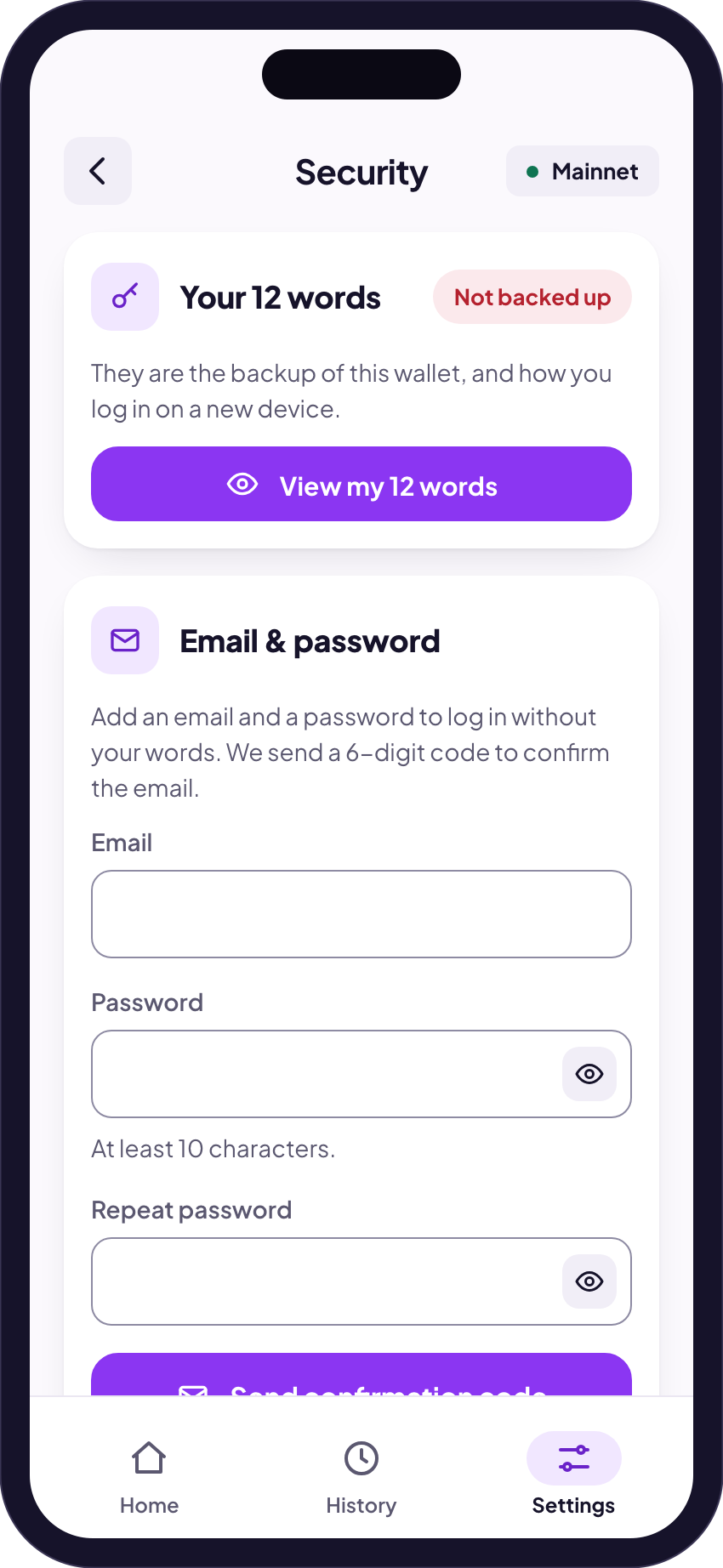
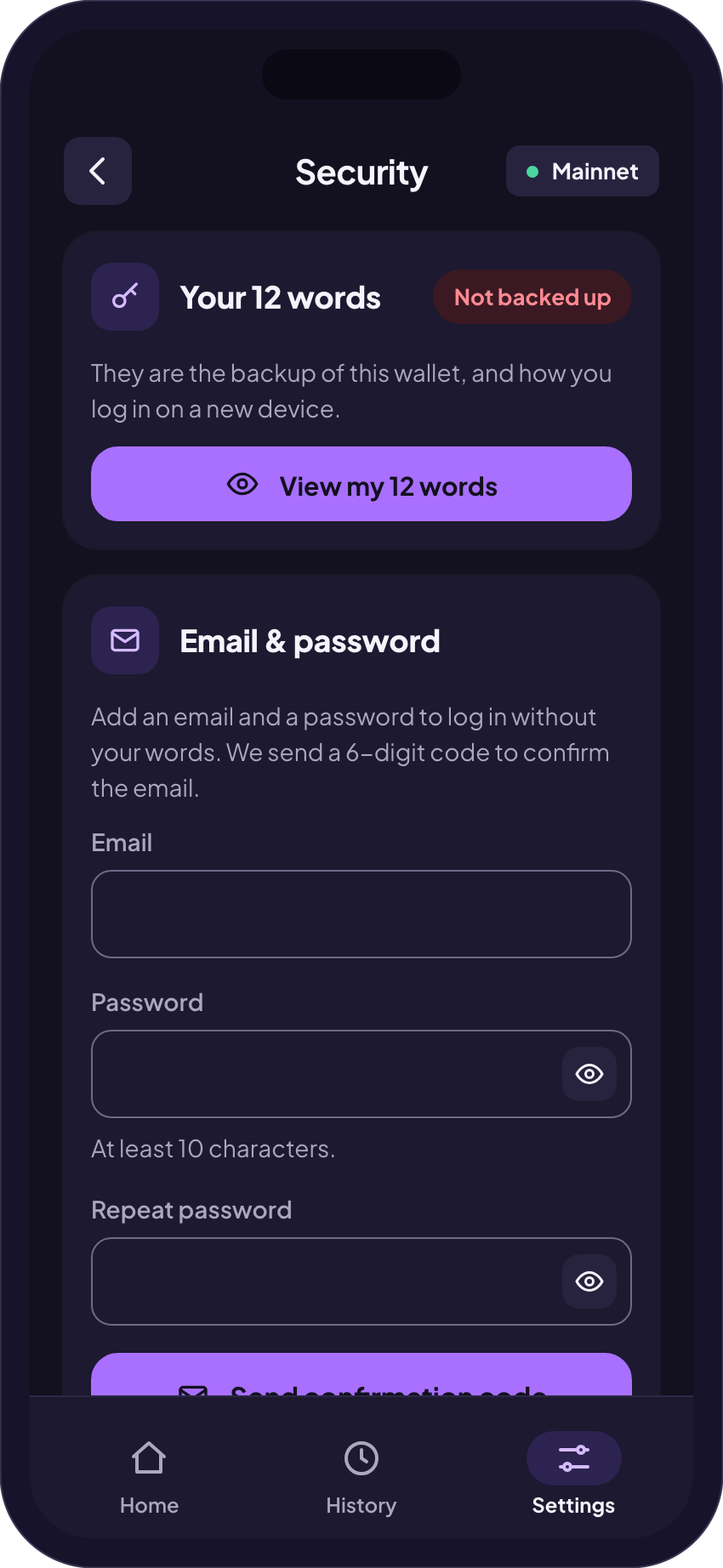
- Open Settings → Security. Under Email & password add your email and a password of at least ten characters, then enter the code Finchb emails you.
- Under Authenticator app (2FA) tap Set up authenticator.
- Scan the QR code with your authenticator app, or tap Copy key and enter the key in the app.
- Enter the code the app shows and your password, then tap Turn on 2FA.
| Log in with email and password | Asks for the code |
|---|---|
| Show your 12 words or export the private key | Asks for your password and the code |
| Change your password or turn two-factor off | Asks for your password and the code |
| Link Telegram with your email | Asks for your password and the code |
| Open Finchb with Telegram | Does not ask for the codeTelegram is its own way in. |
Two-factor sign-in has no backup codes. If you lose the phone with the app, a linked Telegram still opens the account, and your 12 words open the same wallet in Phantom or Solflare. Lost your authenticator
Turning two-factor sign-in on or off signs out every other device. Done on the website, it also unlinks Telegram. Link it again afterwards under Settings → Telegram.
Before money leaves your wallet
- The address is checked. For an address of another network Finchb says “That isn’t a valid Solana address.” When you send a token to a token account, it says “That is a token account address. Use the recipient’s wallet address instead.” Finchb sends only to Solana addresses.
- Unknown tokens are marked. A token Finchb can’t verify shows its full token address and the warning “Anyone can create a token with any name: check the address before you send.”
- A last look before it goes. Review & send opens Confirm transfer with the amount, the wallet it leaves, the full address, the network, the network fee and the total. Nothing moves until you tap Send with the amount there.
Transfers can’t be undone, and this last check is a screen, not a code. Anyone holding your unlocked phone with Finchb open could send. Lock your phone, and log out on devices other people use: Settings → Log out.
Showing your 12 words or private key
Your words are under Settings → Security → View my 12 words, the private key under Settings → Export private key. Both work the same way:
- Finchb shows a warning first: anyone with them can take everything in your wallet.
- You tick “I understand that anyone with these words can take my funds.” (or the same for the key).
- An account with a password asks for it, and for the authenticator code if two-factor sign-in is on.
- The words or the key show for sixty seconds, then hide again.
If your Telegram is linked, the chat with @finchb_bot tells you each time: “Your 12 words were shown.” or “A private key of your wallet was exported.” Use your wallet in Phantom or Solflare
Messages when something changes
| By email | Your password was changed or reset, two-factor sign-in was turned on or off, Telegram was linked or unlinked, someone logged in on finchb.com with your TelegramOnly to an email you have confirmed. |
|---|---|
| In Telegram | A new sign-in in a browser, your password changed or reset, two-factor sign-in on or off, an email and password set, your email confirmed, your words shown, a private key exported, a wallet importedOnly once Telegram is linked, in the chat with @finchb_bot. |
Each Telegram message has two buttons: That wasn’t me and Yes, that was me. For an email and password someone set, or a wallet someone imported, That wasn’t me undoes the change if you tap it within 24 hours, and ends every sign-in. For the other messages it opens Security in Finchb, so you can act right away.
How to recognise the real Finchb
- One bot: @finchb_bot. Check the name letter by letter. Copies use similar names.
- Links from the website: open Finchb’s places in Telegram from the footer of www.finchb.com, under Finchb on Telegram, not from a message someone sent you. The official places
- No one from Finchb starts a private chat with you. Finchb has no phone number, and neither Finchb nor its support asks for your 12 words or your private key, or asks you to send money to unlock, recover or speed up anything. How to reach the real support
- Payouts are public: Finchb lists the payouts of its products on transactions.finchb.com, each on-chain entry with its record on Solscan; the terms name the products that are not on the page. What else you can check
What you can do
- Write your 12 words on paper and keep them somewhere safe and offline. Not as a screenshot, not in a chat, not in a notes app.
- Add an email and a password, then turn on two-factor sign-in under Settings → Security.
- Link Telegram as a second way in under Settings → Telegram. You also get the messages above in the chat.
- Type your words or key only into a wallet app when you import the wallet there, such as Phantom or Solflare. Never into a website, a form or a chat.
- Fake support: someone writes first, says they are Finchb or an admin, and wants your words, your key or a “sync” of your wallet.
- Pay to unlock: someone asks you to send money to unlock, recover or speed up anything.
- Bait tokens: a token you never bought, with a website or “claim” in its name. Unknown tokens
- Look-alike bots and groups with names close to Finchb’s.
If you think someone else got in
A Telegram message about something you didn’t do.
Tap That wasn’t me under it. Then follow the steps below.
You are still logged in.
Open Settings → Security and tap Change password. Every other device is signed out; done on the website, it also unlinks Telegram (link it again afterwards). Finchb emails your confirmed address. No password yet? Add an email and a password there: that signs out every other device too, and your words alone no longer open the account.
You can’t log in any more.
On the login page tap Forgot your password?. A reset signs out every device and unlinks Telegram. Two-factor sign-in stays on. Log in or reset your password
Someone logged in with your Telegram.
Unlink it under Settings → Telegram → Unlink, and secure your Telegram account.
Someone has seen your 12 words or your private key.
A new password doesn’t help here: the words open the wallet in any wallet app. Add a password first if you have none, then create a new wallet under Settings → Wallets → Create new wallet, with its own 12 words, and send your money to it right away.
Then write to support and say what happened. Support will never ask for your words, your key or money. Reach support
Related
Did this answer your question?
Thanks for telling us.
Thanks. Tell us what was missing in Telegram and we’ll answer you and improve this page.
Still stuck? Ask us.
Write to our bot and pick your topic. It works without an account, and the answer comes in the same chat.
Only @finchb_bot speaks for Finchb. No one from Finchb starts a private chat with you or asks for your 12 words.