Use Finchb in Telegram: the bot, the Mini App and one account
In short
- The bot is @finchb_bot. Its Mini App is the same wallet as on finchb.com, inside Telegram.
- Link Telegram to your account once, and the bot, the Mini App and Log in with Telegram on the website all open the same wallet.
- One Telegram account belongs to one Finchb account.
Open Finchb in Telegram
- Open @finchb_bot and tap Start.
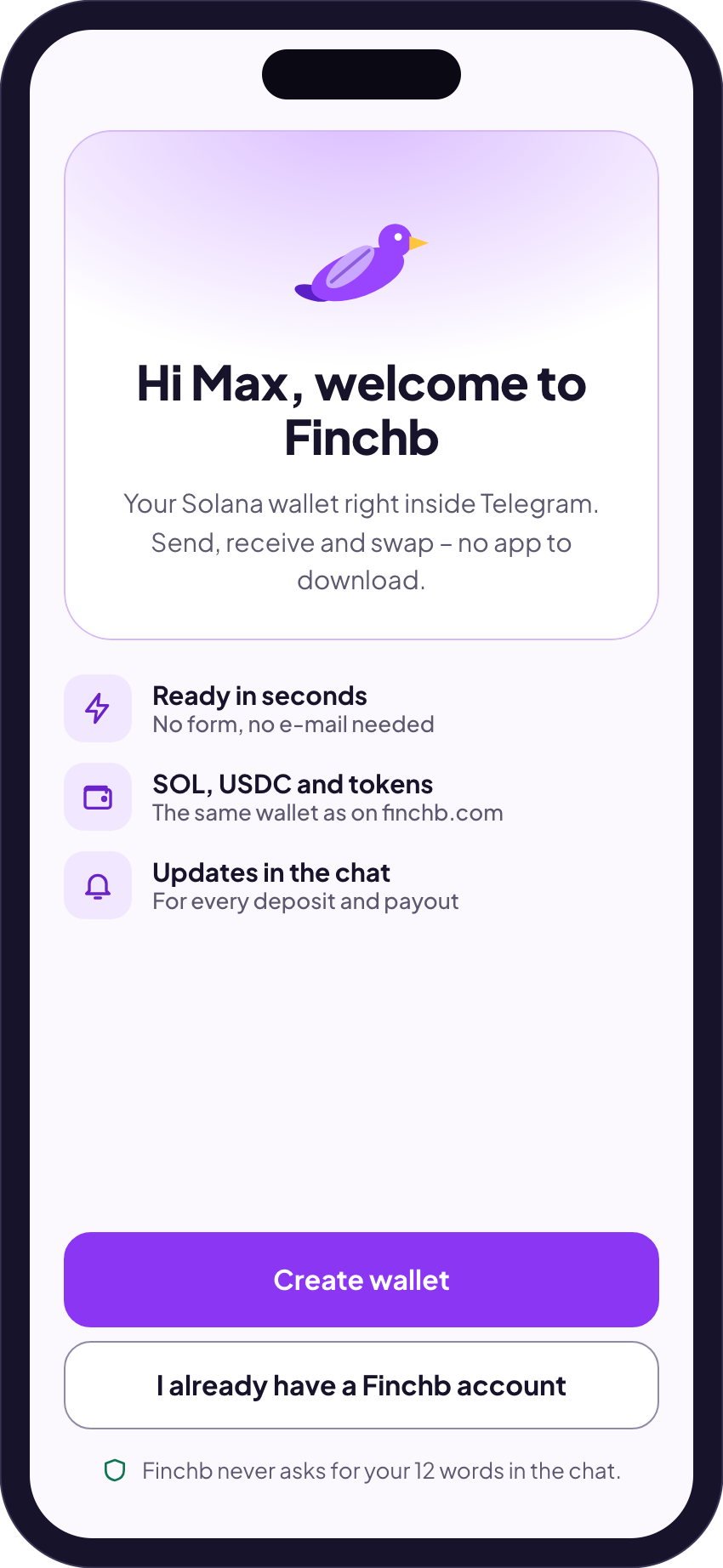
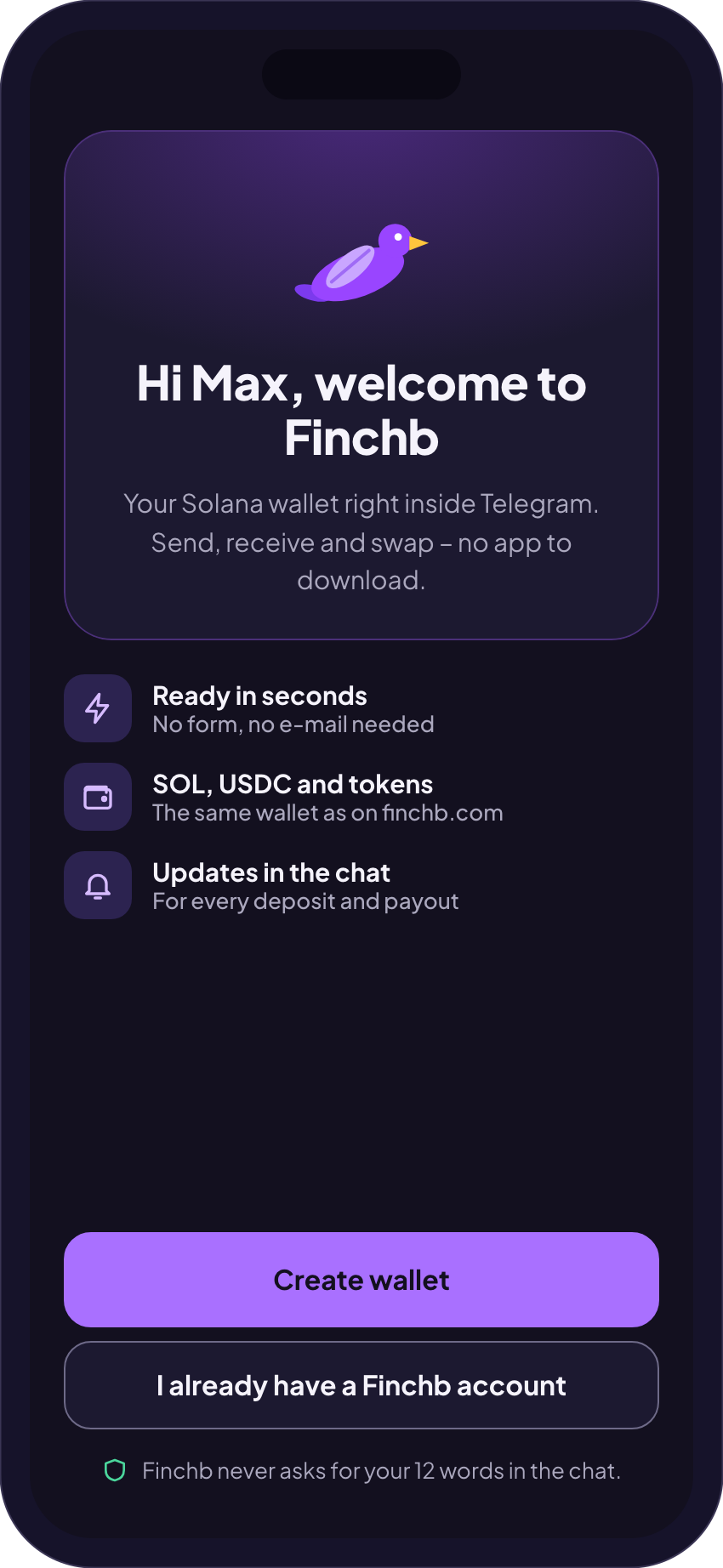
- Open the wallet. New here: Create wallet. Already have a Finchb account: I already have a Finchb account.
- To link it, choose 12 words or E-mail and tap Link. A protected account asks for your password and authenticator code.
The bot shows your balance, payouts and messages in the chat. Money only moves after you tap Confirm in the Mini App.
Link from the website
- On finchb.com open Settings → Telegram → Link with Telegram.
- After that, Log in with Telegram on the login page opens your account.
- To undo it: Settings → Telegram → Unlink. Your account and your money stay as they are.
- Changing your password, email or two-factor sign-in on the website unlinks Telegram for your safety. Link it again afterwards.
The official Finchb places in Telegram
| Bot | @finchb_botWallet, payouts and support. |
|---|---|
| Community | t.me/finchb_communityOnly @finchb_bot speaks for Finchb there. |
| News | t.me/finchb_channel |
| Payouts | t.me/finchb_transactionsEvery product payout, each with its Solscan link. |
Accounts with similar names that write to you first are not Finchb. How to spot them
Related
Did this answer your question?
Thanks for telling us.
Thanks. Tell us what was missing in Telegram and we’ll answer you and improve this page.
Still stuck? Ask us.
Write to our bot and pick your topic. It works without an account, and the answer comes in the same chat.
Only @finchb_bot speaks for Finchb. Nobody from Finchb writes to you first or asks for your 12 words.