Telegram bot not reachable? How to get into your account
In short
- Your account and your money don’t depend on the bot. Payouts of Solana Bird, Grid Bot, Meme Radar and Staking keep running.
- On www.finchb.com/login, log in with your Secret words, or with Email & password if you added them. It is the same account.
- Add an email and a password today under Settings → Security, so you have a way in without Telegram.
What keeps working without the bot
| Your payouts | Solana Bird, Grid Bot, Meme Radar and Staking keep paying outThey don’t depend on the bot. |
|---|---|
| The website | www.finchb.com works without TelegramLog in there, see your products and withdraw. |
| Without the bot | No Mini App and no messages in the chatNo message when a payout arrives, your Solana Bird pot is full or a Partner commission comes in, and no support answers in the chat. |
Log in on the website
An account you created in Telegram is the same account on the website: all your products, your history and Partner.
- Open www.finchb.com/login.
- Choose Secret words and enter your 12 words, separated by spaces.
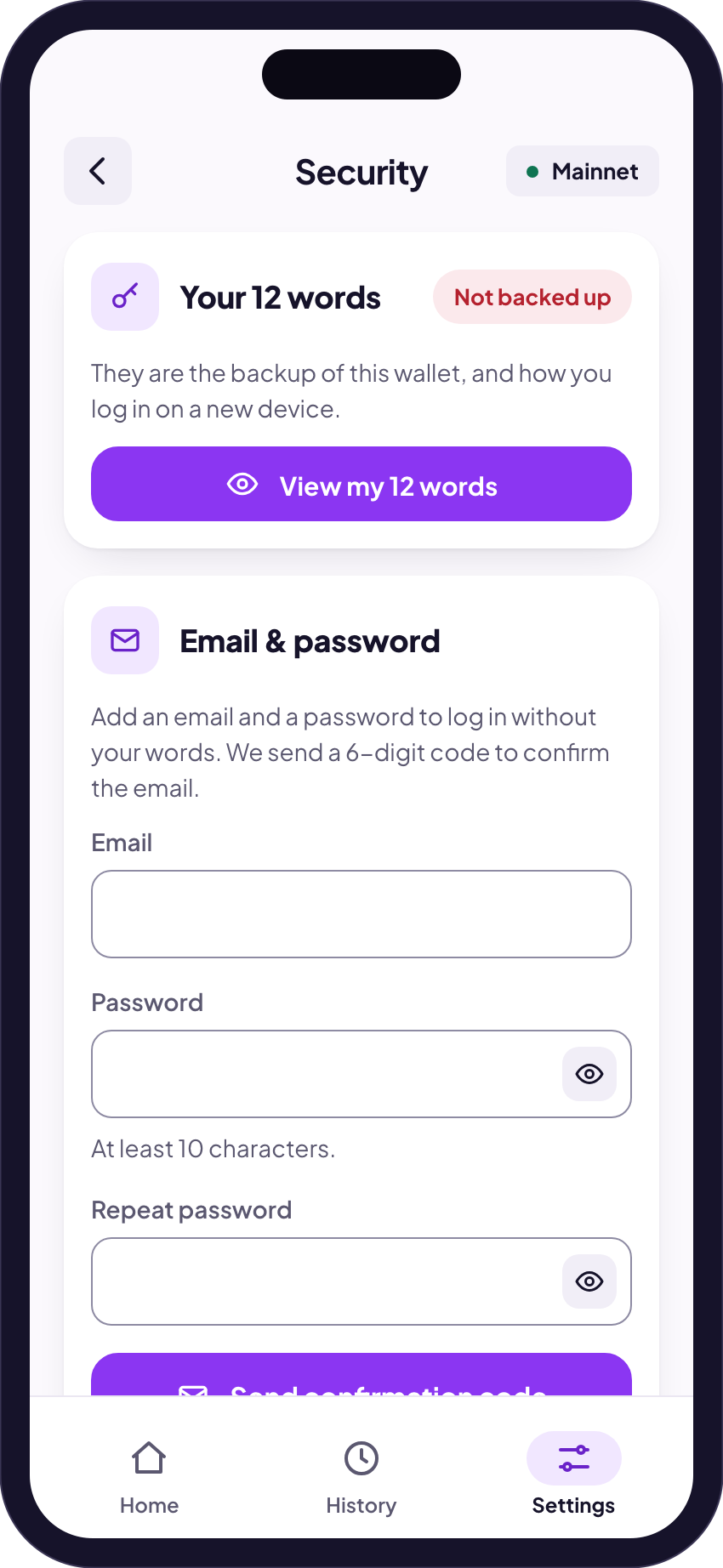
- Added an email and a password before? Then choose Email & password. Once an account has a password, the words alone no longer open it.
Log in with Telegram on the website may not work while the bot is blocked. Use your words or your email instead. All ways to log in
Set up a way in without Telegram
- Open Finchb: in the Mini App while it still opens, or on the website.
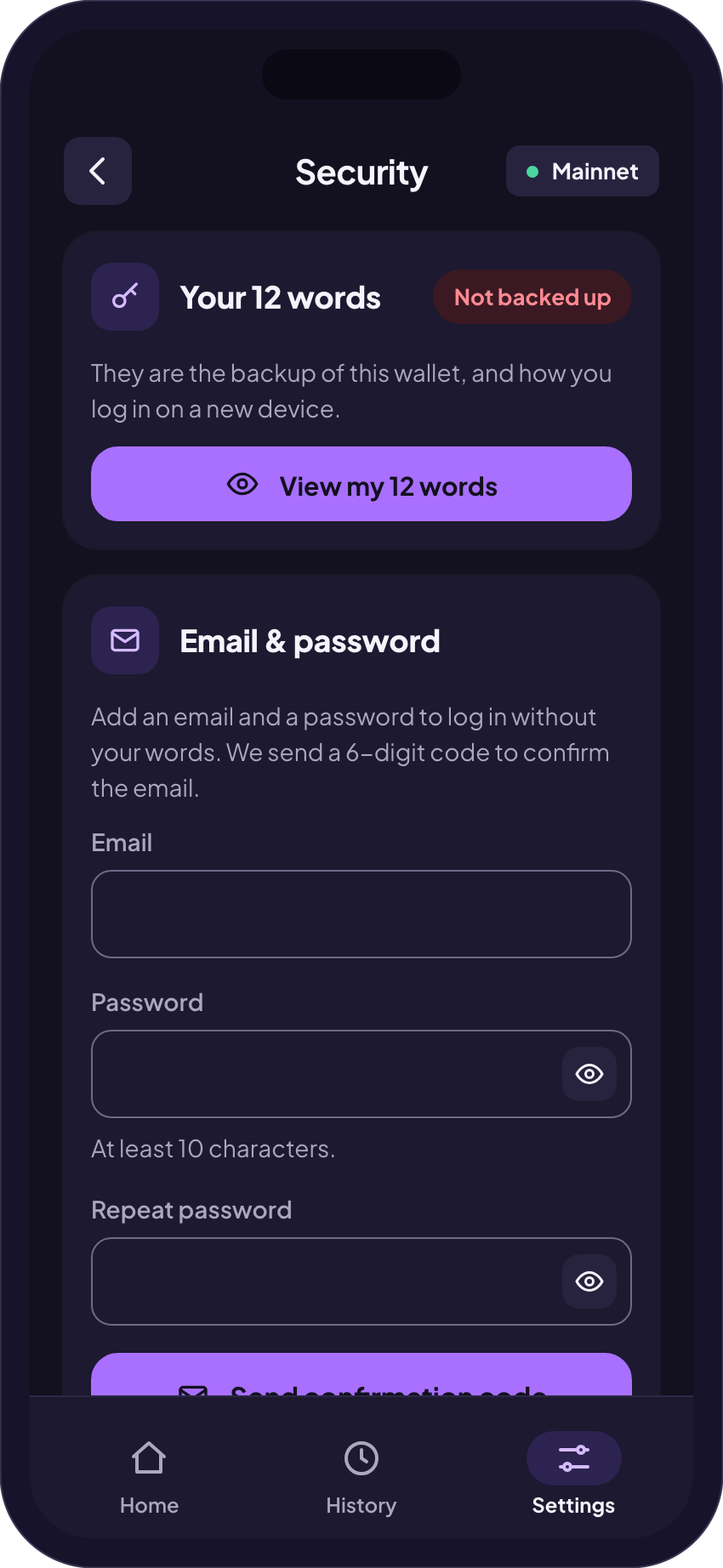
- Go to Settings → Security and add an email and a password.
- Under View my 12 words write your words on paper and keep them somewhere safe. Never as a screenshot or in a chat.
Then you get into your account on the website even when Telegram is not reachable. Lost your words already? Lost access
If Finchb names a new bot
- Finchb announces it on www.finchb.com, by email and in the news channel.
- Open the new bot with the same Telegram account. Your Finchb account belongs to your Telegram account, not to the bot.
- Trust a bot name only when you see it in these places. Accounts that write to you first are not Finchb. How to spot them
Reach support without the bot
| support@finchb.com | |
| On the website | After you log in: Settings → Support |
Finchb never asks for your 12 words, not even support. Anyone who asks for them is after your money.
Related
Did this answer your question?
Thanks for telling us.
Thanks. Tell us what was missing in Telegram and we’ll answer you and improve this page.
Still stuck? Ask us.
Write to our bot and pick your topic. It works without an account, and the answer comes in the same chat.
Only @finchb_bot speaks for Finchb. Nobody from Finchb writes to you first or asks for your 12 words.