How to withdraw from Finchb to another wallet or an exchange
In short
- At your exchange, copy your Solana deposit address. In Finchb tap Send, paste it, enter the amount and confirm.
- Works with SOL and USDC, on the Solana network only.
- Finchb adds no fee of its own. You pay only the Solana network fee, shown before you confirm.
Step by step
- At your exchange or other wallet: open its deposit page, choose SOL or USDC, pick the Solana network and copy the address.
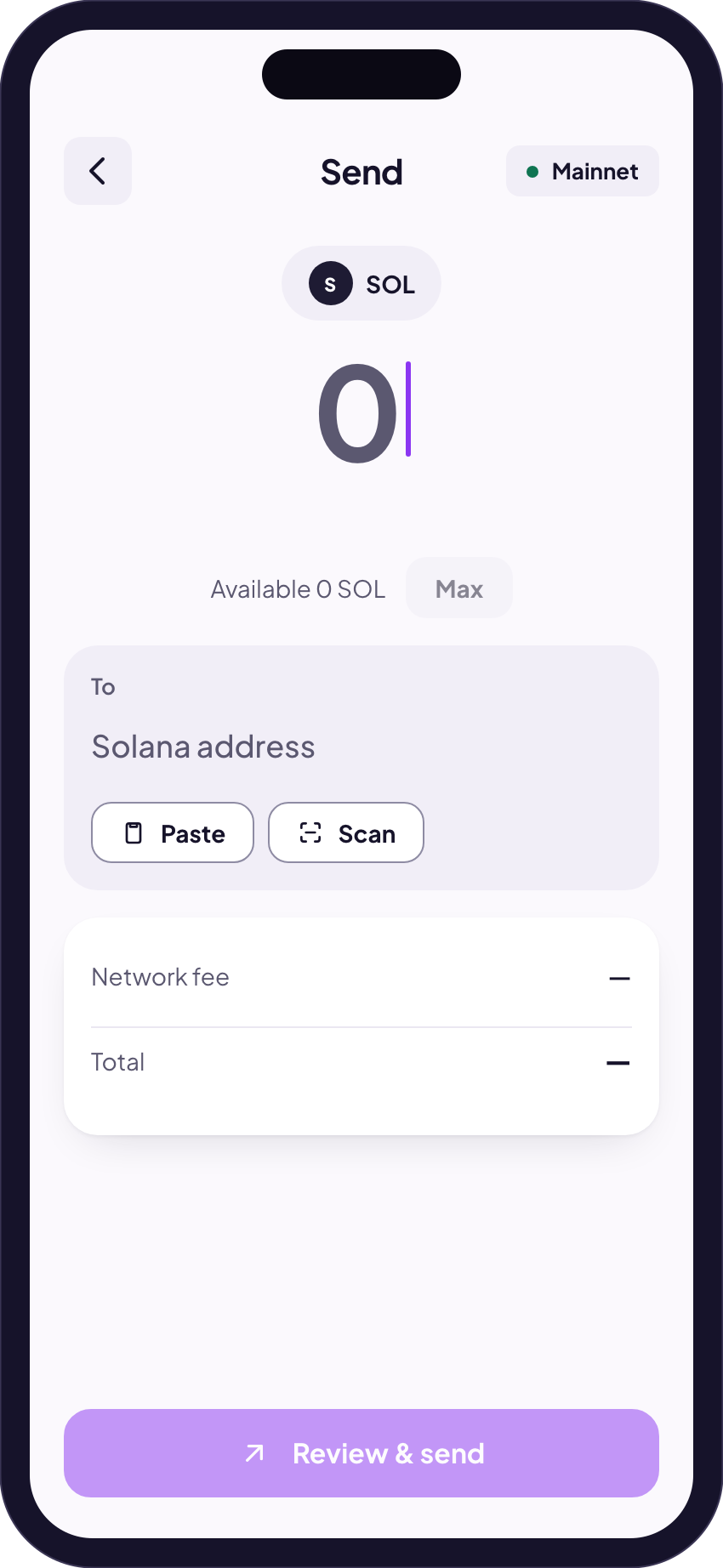
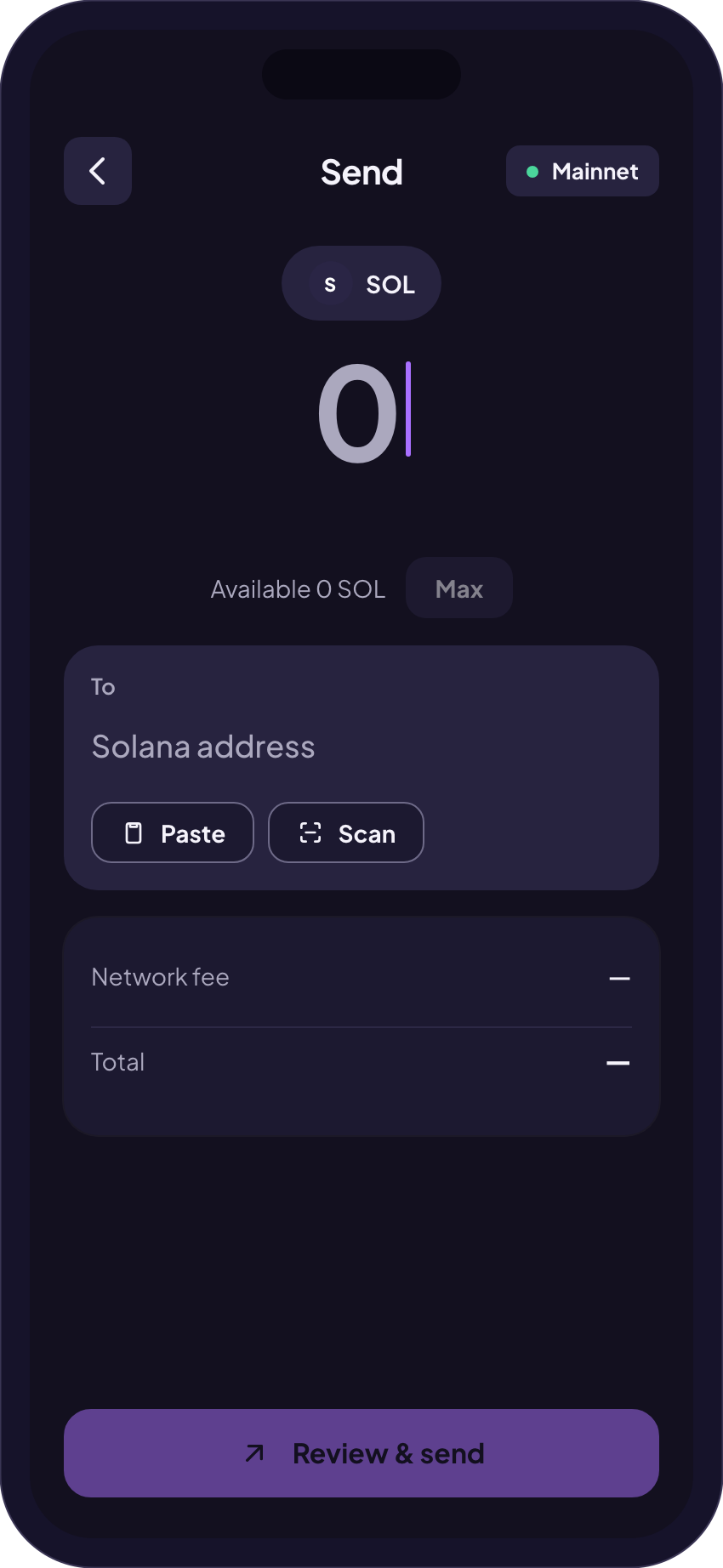
- In Finchb: on the start screen tap Send and choose the token, SOL or USDC.
- Tap Paste (or Scan for a QR code) and enter the amount. Max sends everything you can.
- Tap Review & send. Check the address, the network fee and the total, then confirm. Transfers can’t be undone.
- Done. The transfer shows up in your history, and View receipt in explorer opens its public record.
Only the Solana network. An address that starts with T, 0x, UQ or EQ belongs to another network, and Finchb won’t send to it. Which network is this address?
Where to find the address at your exchange
Every exchange calls the steps a little differently. These are the menus their own help pages name. None of them asks for a memo or tag for Solana, and each shows its minimum deposit on its deposit page.
| Binance | Deposit → Deposit Crypto → SOL or USDC → choose the Solana networkBinance: how to deposit crypto |
|---|---|
| Bybit | Assets → Deposit → SOL or USDC → choose Solana as the chain typeBybit: on-chain deposit |
| OKX | Assets → Deposit → Deposit crypto → SOL or USDC → deposit network Solana (for USDC it reads “USDC-Solana”)OKX: how to make a deposit |
| Kraken | Transfer → Deposit → SOL or USDC → choose the Solana network (the first time: generate a deposit address)Kraken: deposit cryptocurrencies |
| Coinbase | Receive crypto on the web, or the Pay tab in the app → SOL or USDC → choose the Solana networkCoinbase: steps to receive crypto |
Menus change from time to time. If yours looks different, the exchange’s own page linked above is the one to follow. If your exchange offers USDC only on other networks, send SOL instead, or swap it there.
What it costs
| Finchb fee | None |
|---|---|
| Network fee | Usually a fraction of a cent, paid in SOLFinchb shows it under Network fee before you confirm. |
| USDC to a new address | A small one-time deposit in SOLIf the address has never held USDC, the network opens a token account for it. The app shows it as New token account, with the amount. |
| What has to stay | A small amount of SOL, or send everythingA Solana wallet keeps a small minimum or is emptied completely. Sending USDC needs a little SOL for the fee. Do I need SOL? |
If it doesn’t work
These are the messages Finchb shows, and what helps.
“That isn’t a valid Solana address.”
The address is from another network or incomplete. Copy it again from the exchange’s deposit page, with the Solana network selected.
“Not enough SOL to pay the network fee.”
Add a little SOL to your wallet first, then send again.
“A wallet has to keep at least … SOL or be emptied completely.”
Send a little less, or tap Max to send everything.
“That is a token account address.”
Use the wallet address from the deposit page, not a token account address.
“The Solana network didn’t confirm this transfer in time.”
Look in your history before you try again, so you don’t send it twice.
Sent, but the exchange doesn’t show it yet.
Exchanges credit a deposit after their own checks. If the receipt says confirmed, give the exchange the receipt link. My transfer hasn’t arrived
Related
Did this answer your question?
Thanks for telling us.
Thanks. Tell us what was missing in Telegram and we’ll answer you and improve this page.
Still stuck? Ask us.
Write to our bot and pick your topic. It works without an account, and the answer comes in the same chat.
Only @finchb_bot speaks for Finchb. Nobody from Finchb writes to you first or asks for your 12 words.