Which network is this address? Why Finchb needs a Solana address
In short
- Finchb sends and receives on the Solana network only: SOL, USDC and other Solana tokens.
- An address that starts with
Tis TRON,0xis Ethereum or a similar network,UQorEQis TON,bc1is Bitcoin. Finchb won’t send to them. - At your exchange, choose the Solana network to get a Solana address. To move money between networks, use Swap (out, from SOL) or Pay with other crypto (in).
Tell the networks apart
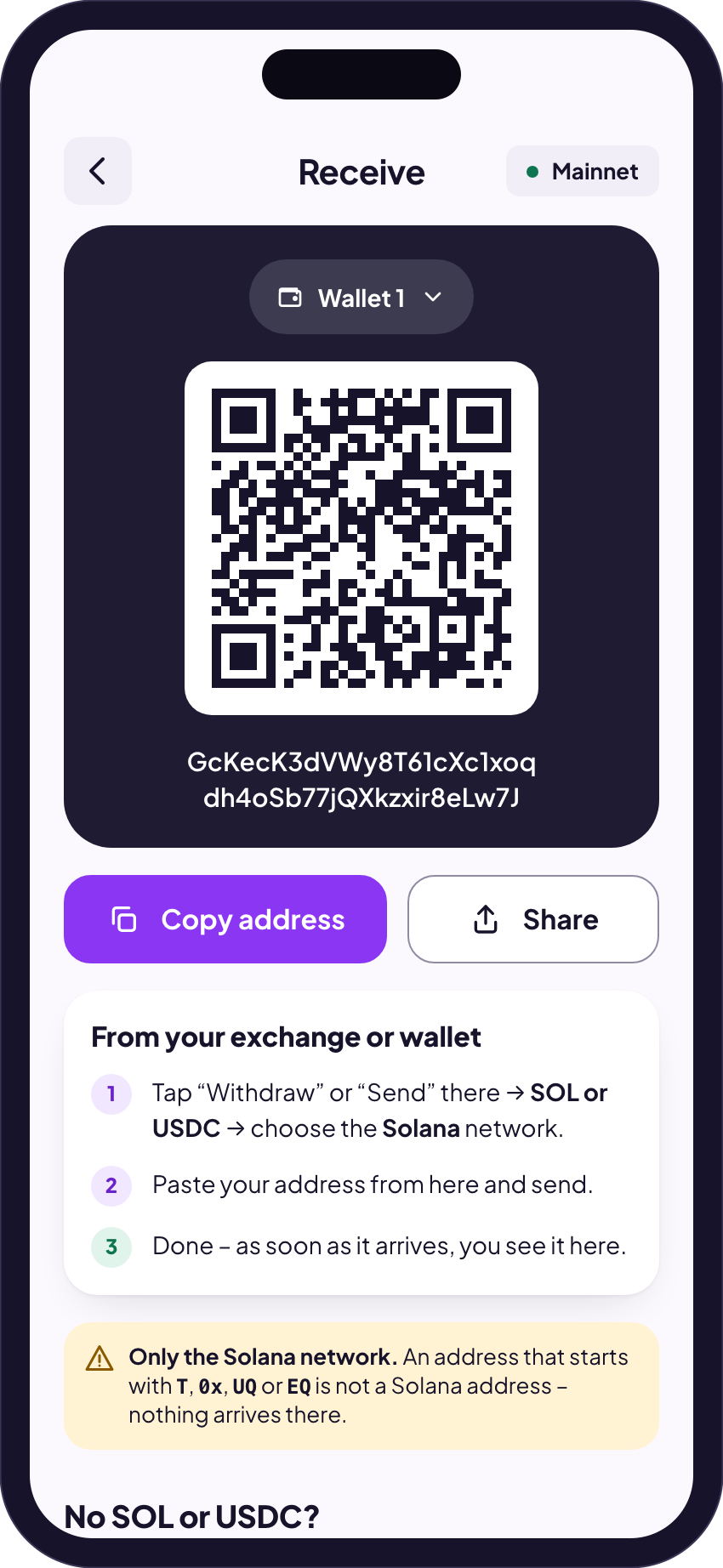
An address shows its network by how it looks. A Solana address is 32 to 44 letters and digits, without a prefix such as 0x.
Starts with T | TRONFor example USDT on TRC20. |
|---|---|
Starts with 0x | Ethereum or a network like itBNB Smart Chain, Base, Polygon, Arbitrum and others use the same form. |
Starts with UQ or EQ | TON |
Starts with bc1 | Bitcoin |
| 32 to 44 letters and digits, no prefix | SolanaThis is what Finchb shows under Receive and what it can send to. |
The same exchange account has a different address on every network. That is why the network you pick on the exchange’s deposit page matters.
What Finchb does with another network’s address
If you paste an address of another network into Send, Finchb says “That isn’t a valid Solana address.” and sends nothing. Your money stays where it is. Only Swap pays out to another network, and it asks for an address on exactly that network.
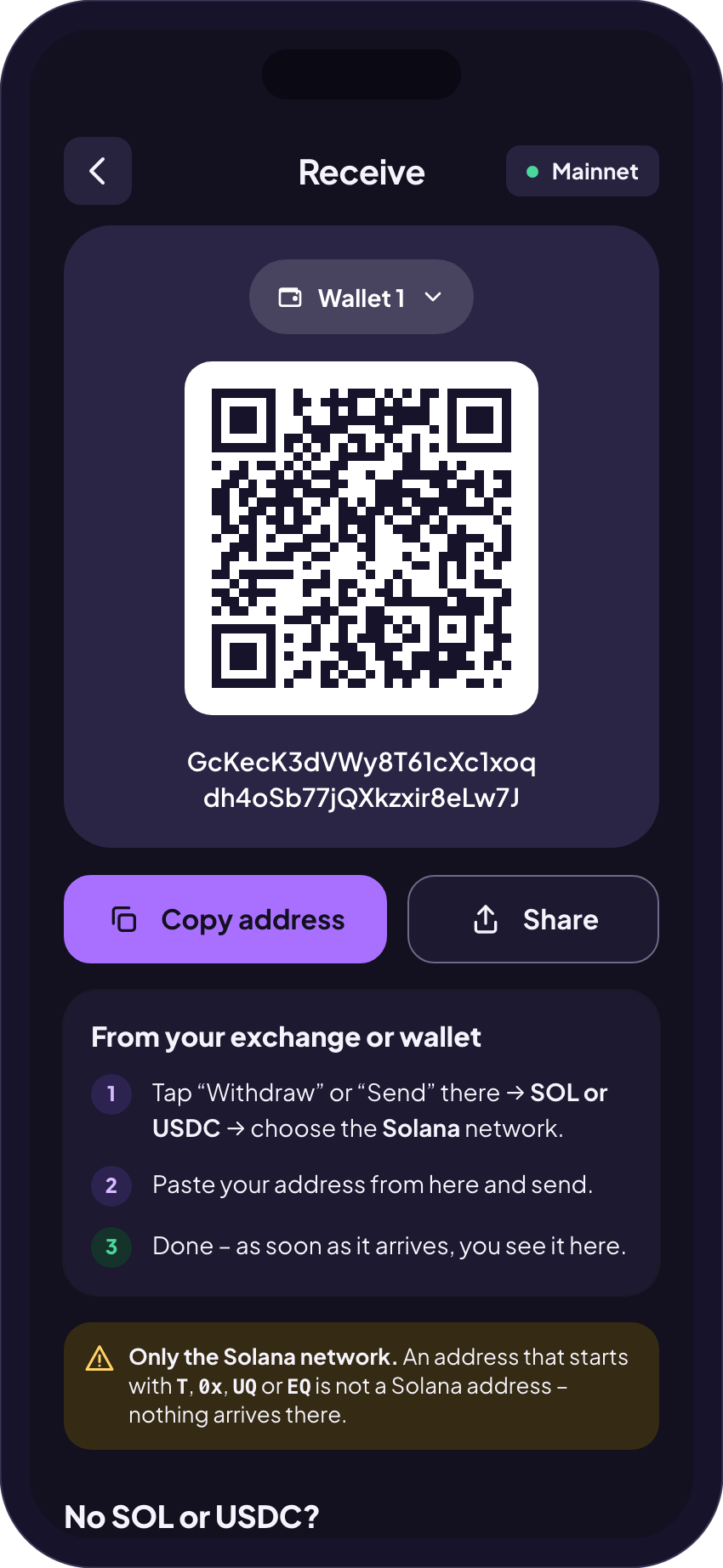
On the Receive screen Finchb shows the same reminder: only the Solana network, and an address that starts with T, 0x, UQ or EQ is not a Solana address.
What to do instead
- Withdrawing to an exchange: on its deposit page choose SOL or USDC and the Solana network. You get a Solana address. How to withdraw
- Paying in coins from another network (USDT on TRON, TON, BTC, ETH …): use Pay with other crypto. It arrives in Finchb as USDC on Solana.
- You want the money on TRON, TON or another network: in Finchb open Swap, choose From wallet, pick the coin and network you want (for example USDT on TRON) and paste the receiving address on that network. This works from SOL, not from USDC, and the swap screen shows the minimum and the amount you get before you confirm.
- Your other wallet only has a TRON or TON address: most exchanges and many wallets also offer a Solana address for SOL or USDC. Use that one, or swap as above.
Related
Did this answer your question?
Thanks for telling us.
Thanks. Tell us what was missing in Telegram and we’ll answer you and improve this page.
Still stuck? Ask us.
Write to our bot and pick your topic. It works without an account, and the answer comes in the same chat.
Only @finchb_bot speaks for Finchb. Nobody from Finchb writes to you first or asks for your 12 words.