My deposit hasn’t arrived in Finchb: what to check
In short
- Copy your address from Receive and check it is the one you sent to, on the Solana network.
- Look at the withdrawal at your exchange: it must say sent or completed, with a transaction ID.
- Paste your address into solscan.io: every transfer that reached your wallet is listed there.
Check in this order
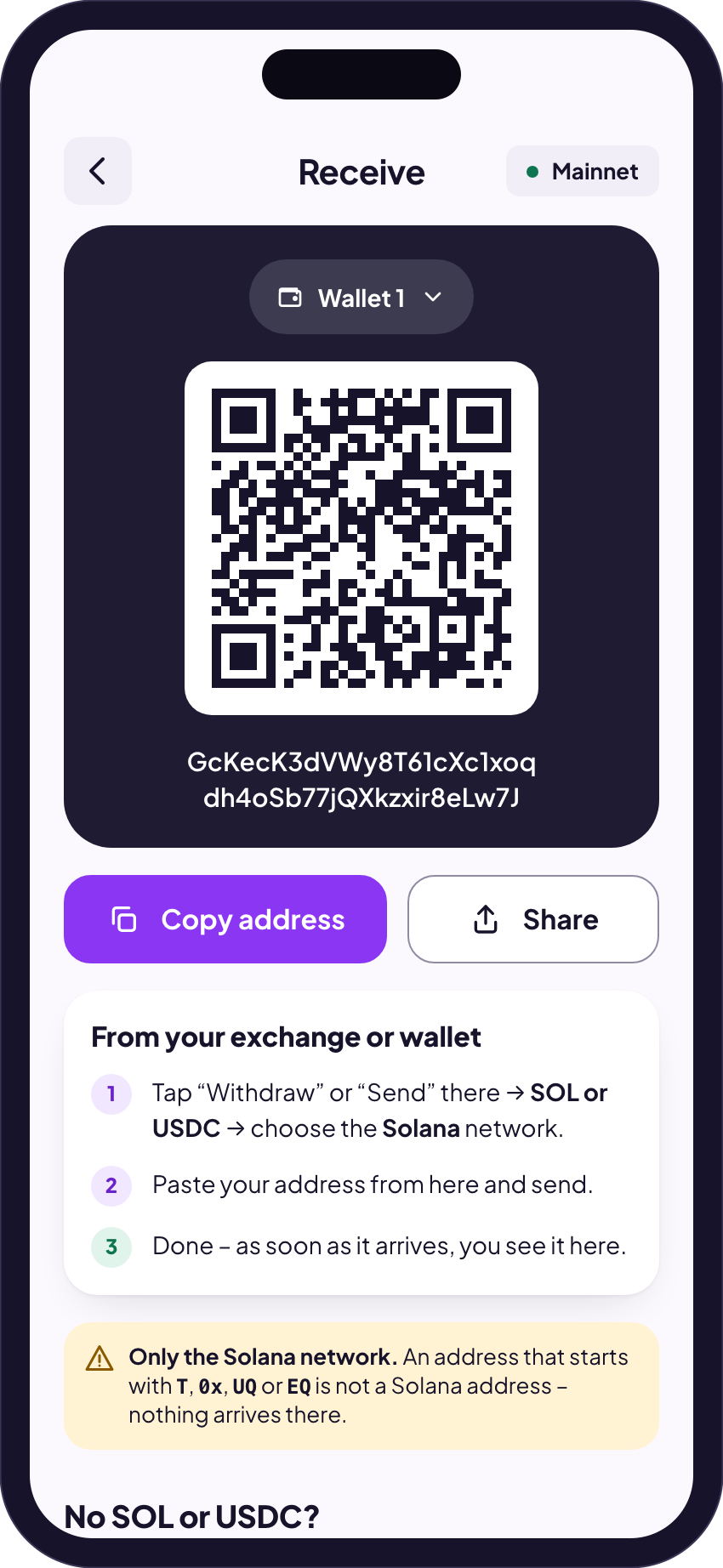
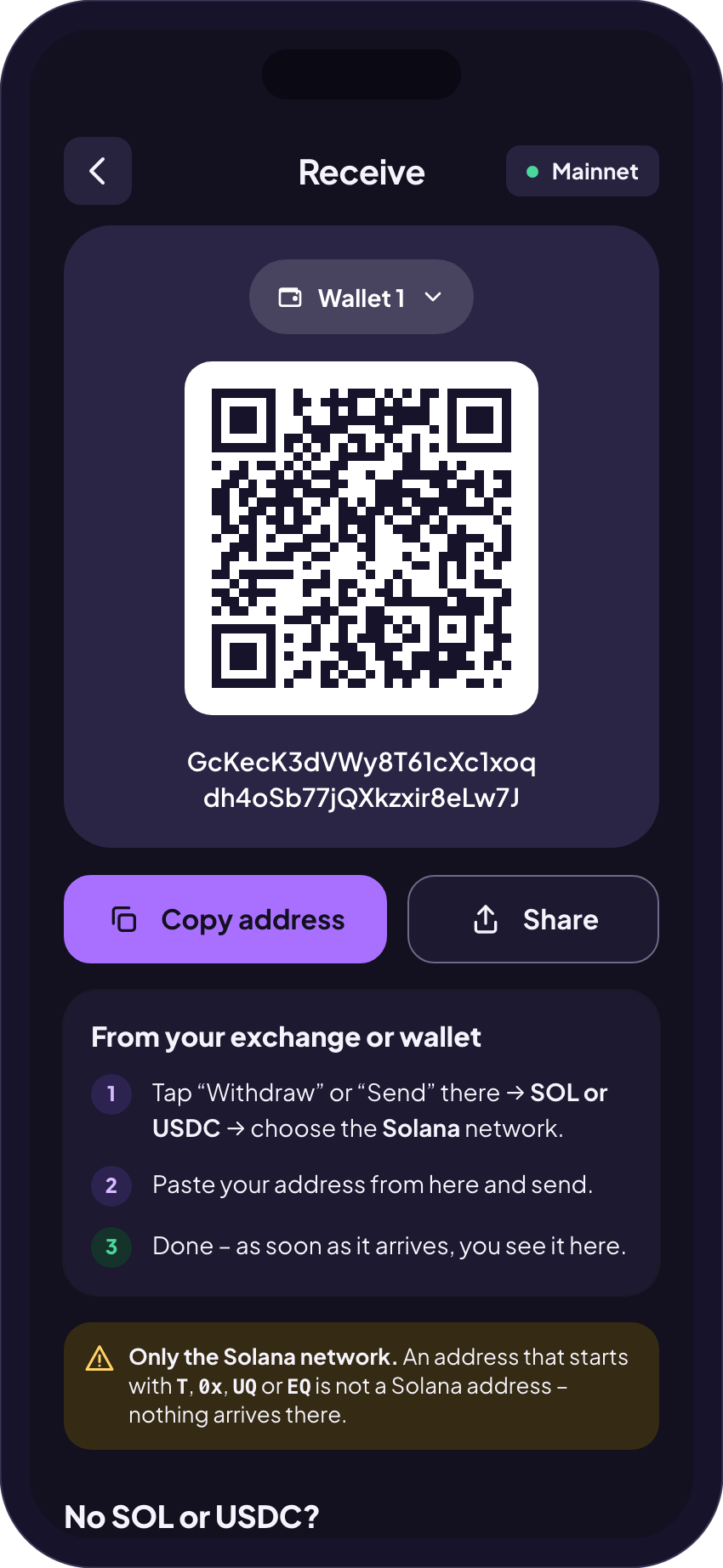
- The address: open Receive in Finchb, tap Copy address and compare it with the address in your exchange’s withdrawal. First and last characters must match.
- The network: the withdrawal must have gone out on Solana. TRON, BNB Smart Chain or another network don’t reach Finchb. Which network?
- The exchange: many exchanges hold a withdrawal for checks before they send it. How long that takes depends on the exchange. Its withdrawal history shows the status and the transaction ID.
- The record: paste your Finchb address into solscan.io. If the transfer is listed there, it has arrived: reopen Finchb and it shows on your start screen and in your history.
Common cases
The exchange still says processing.
Wait for the exchange to send it. Finchb sees it as soon as it is on Solana.
The exchange sent it on another network.
It never reached your Solana address. Ask the exchange; see Sent on the wrong network.
A token arrived but isn’t in your total.
Tokens Finchb can’t verify sit under Other tokens on the start screen and count as no value. Unknown tokens
You paid with another coin.
Follow its status on the payment screen. Pay with other crypto
You bought with a card.
The provider sends it after its own checks. Ask the provider. Buying with a card
Related
Did this answer your question?
Thanks for telling us.
Thanks. Tell us what was missing in Telegram and we’ll answer you and improve this page.
Still stuck? Ask us.
Write to our bot and pick your topic. It works without an account, and the answer comes in the same chat.
Only @finchb_bot speaks for Finchb. Nobody from Finchb writes to you first or asks for your 12 words.